Keyboard Builders' Digest / Review
KiiBOOM Cybrix 29
The Cybrix 29 by KiiBOOM is a wired 29-key hotswappable Hall-effect gaming (half-)keyboard with lots of RGB effects.

Published December 17, 2025

Hm. This strange animal is a gamer half-keyboard – to ensure you have enough room for your mouse.
TL;DR: The magnetic KiiBOOM Cybrix 29 is a fully built wired keyboard coming in a nice CNC aluminum housing with frosted acrylic bottom for nice lighting effects. The inherently hot-swappable Hall-effect PCB, nice magnetic switches, a web configurator, and of course three encoder knobs make this board highly customizable. All in all, I'd recommend the Cybrix 29 for gamers looking for a precision tool if this layout is compatible with their gaming style.
Should I buy the KiiBOOM Cybrix 29? – you may ask. Well, I'm going to cram into this review as many facts as possible – so you can answer this question for yourself. As you'll see, I've eviscerated the Cybrix 29 to its very core. That said, before placing an order, it always helps to know exactly what you want, especially with such a special form factor. Make sure you're aware of your preferences and the features you need, and check out the full review below for all the details and photos – plus the full photo-dump on imgur for an even closer look.
Disclaimer
KiiBOOM was kind enough to send me this review unit for free, which may introduce all kinds of biases – both negative and positive in my experience. Take everything I write with a grain of salt.
Variants
The KiiBOOM Cybrix 29 comes in three cool colorways: pink, silver (with light blue accents), and black (orange accents).
In addition, there's another model in the Cybrix family: the 16-key Cybrix 16 – a macropad coming in the same three colorways and also with three encoders.

As always, it was a bit hard for me to select a single colorway, but I went with the silver one eventually – matching the Moonshadow V2 in the same color. So this is the board you'll see in the photos below.
Unboxing & Contents
The fancy, colorful cardboard box is made of a very nice material – it's similar to all the other KiiBOOM boxes I've come across.

The contents are:
- The Cybrix 29, pre-built with switches and keycaps mounted.
- quick-start guide
- braided USB cable
- 2x extra caps (for Mac)
- combined tool to remove keycaps and switches
- microfiber cloth
First impressions, design language
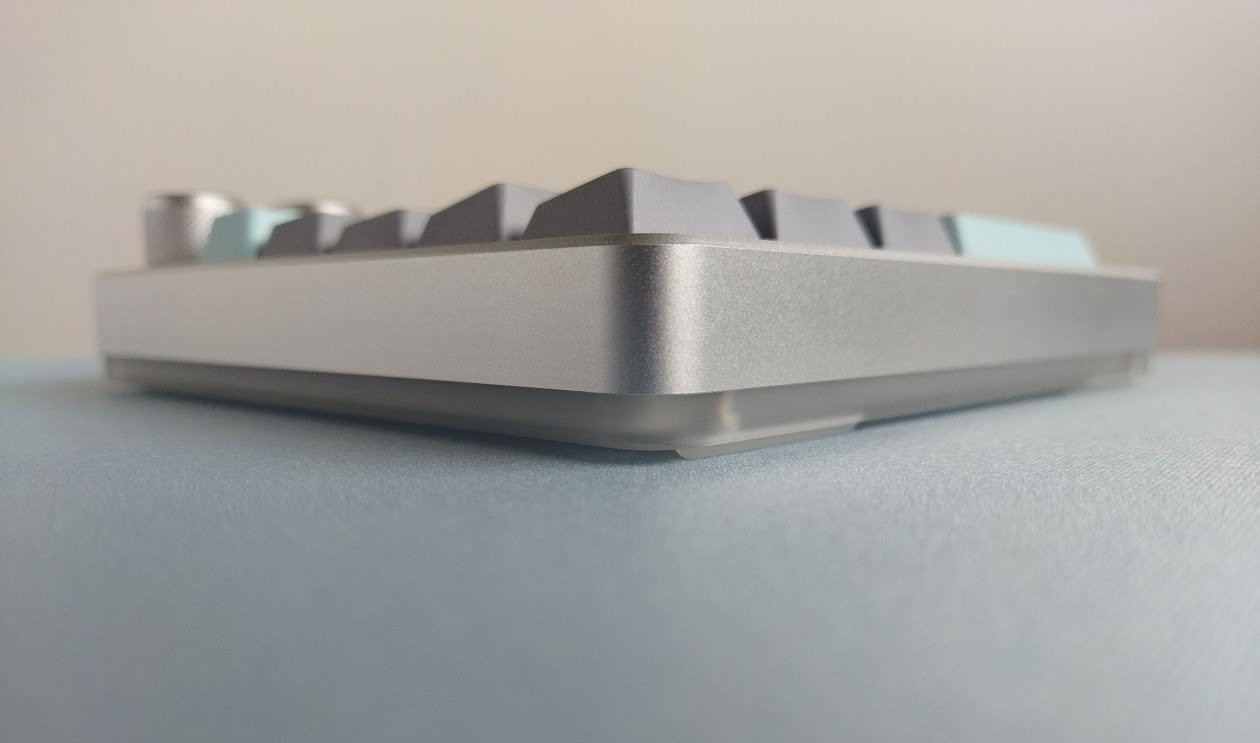
The Cybrix 29 comes in three classy colorways, and I've chosen the silver variant. The design is clean and simple, with a cool frosted acrylic part to diffuse light. A massive and sturdy build with a decent mass.
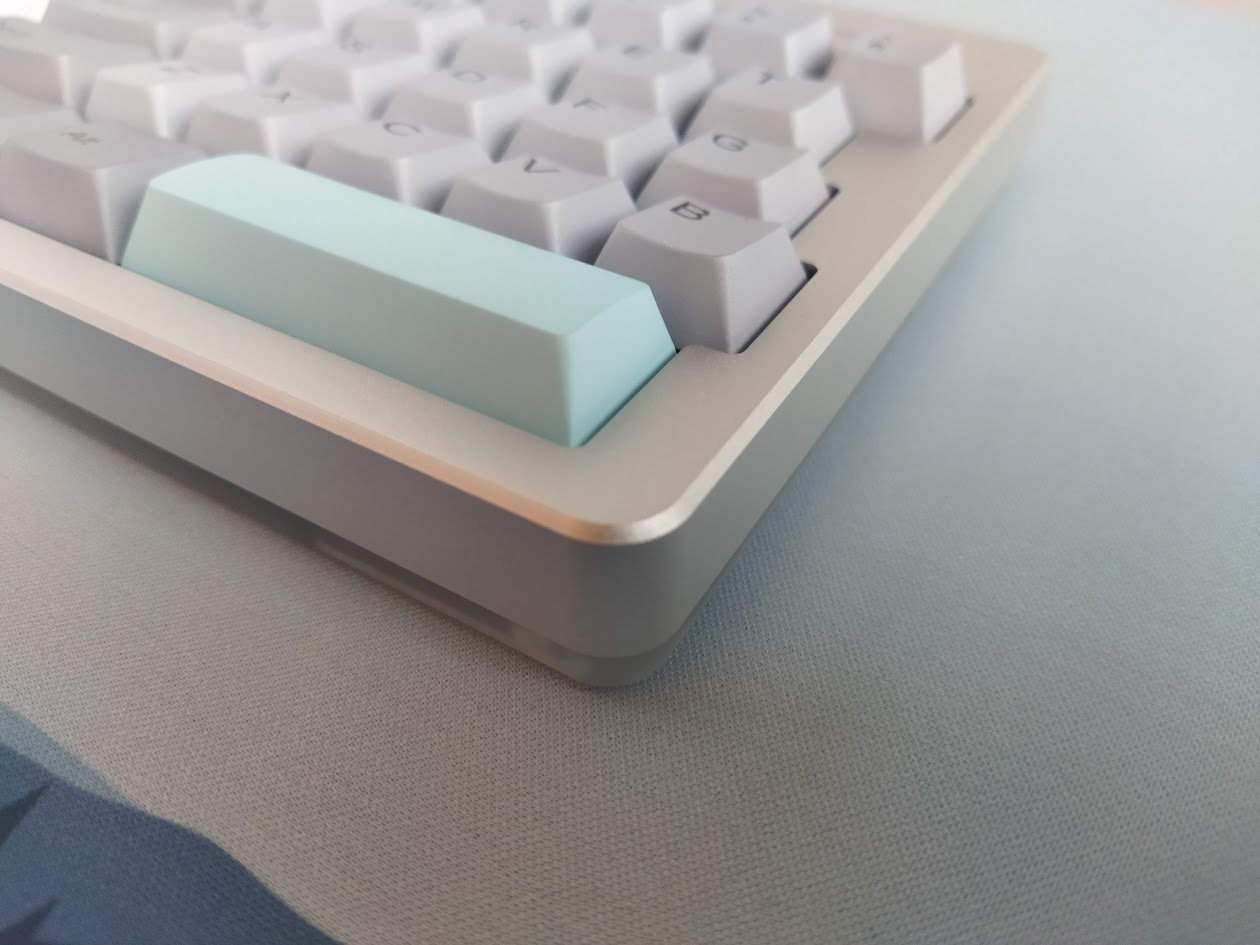
No visible branding anywhere.
Specs
- Layout: 30%? ANSI, the left half of a 60% board. 29 keys + 3 knobs.
- Keycaps: dye-sublimated PBT Cherry profile
- Switches: Outemu Hall-effect switches (hotswap)
- Case: CNC aluminum + frosted acrylic bottom
- Typing angle: 0 degrees, not adjustable
- Mounting: top mounting
- Stabilizers: plate mount (PCB mount support)
- Plate: FR4 with no flex cuts
- PCB: 1.5 mm, south-facing per-key RGB, hot-swappable, no flex cuts
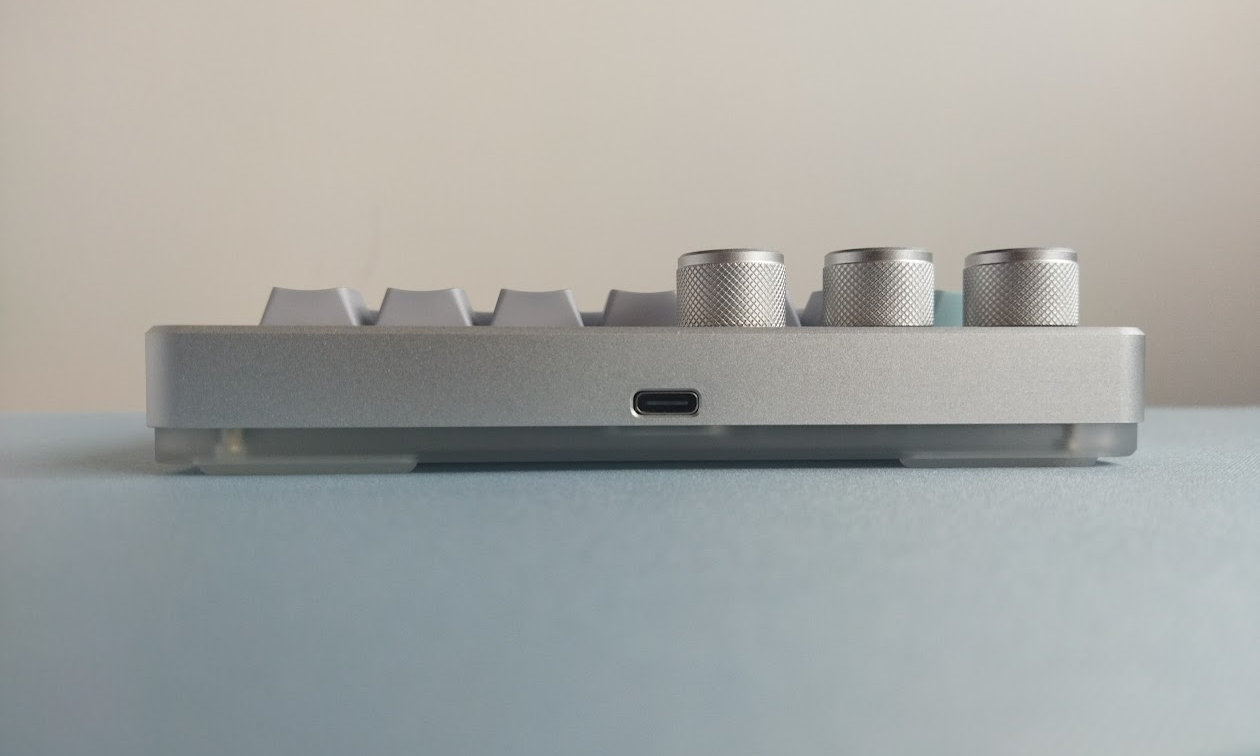
- Connectivity: wired, USB Type-C
- Polling: up to 8000Hz (default)
- Software: proprietary configurator
- Dimensions: 150 x 134 x 30 mm
- Weight: around 420 g
Layout
Despite the number of keys (29), calling this 30% would be misleading. Definitely not one of the standalone 30% keyboards for typing and general work – the layout is basically the left half of a 60% keyboard.

Featuring just 29 keys, the Cybrix 29 is optimizing space for gamers on an extreme level. No F-row, numbers up to 6.

Fixed layout, the Cybrix 29 doesn't offer a stepped CapsLock option or any other variation.
Keycaps
The keyboard comes with a color-matched dye-sublimated Cherry profile PBT keycap set: light grey alphas, darker grey modifiers, and light blue accents (Esc and spacebar).
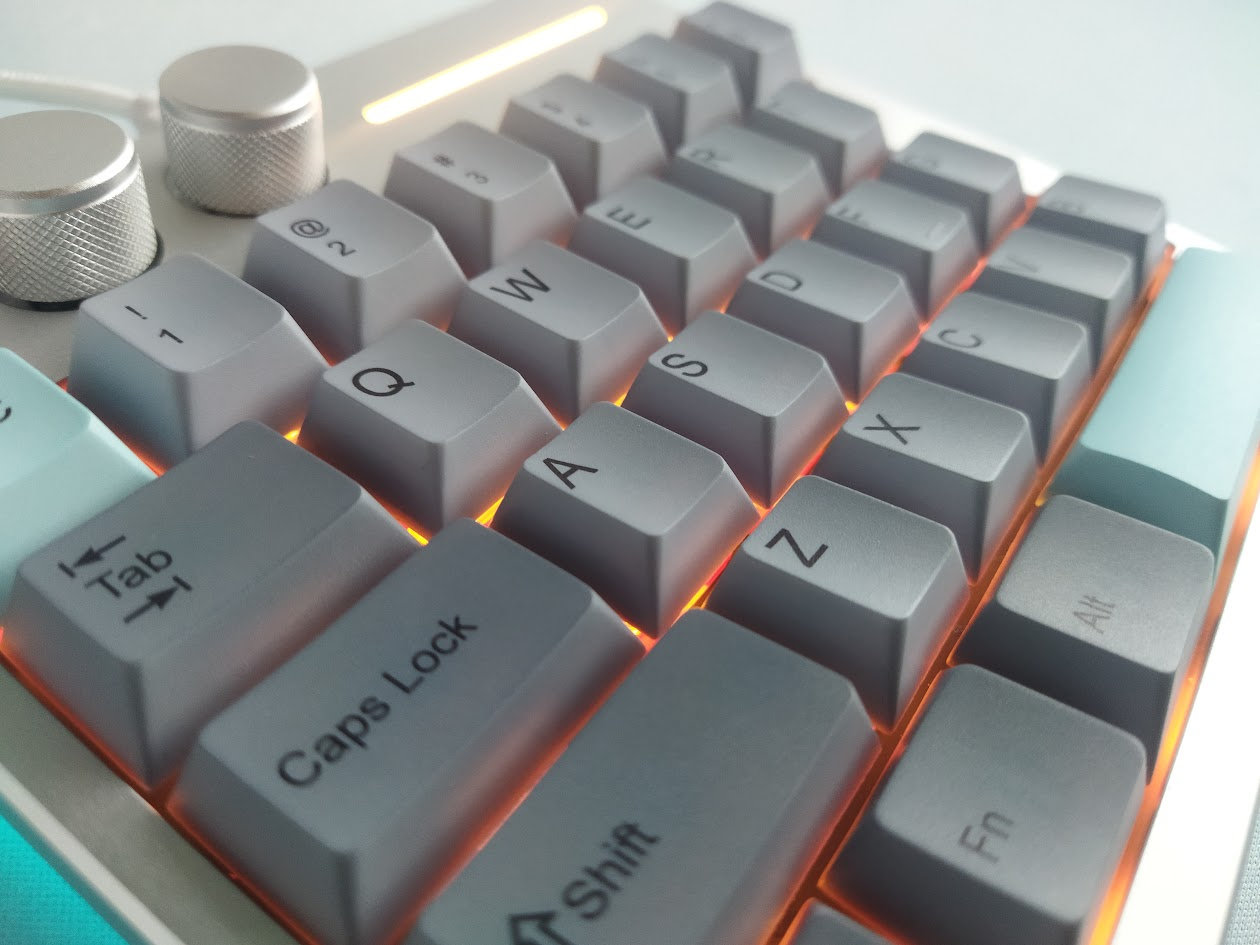
Legend consistency is okay-ish, maybe I'd prefer the ESC right in the middle, and e.g. the E is positioned a bit lower compared to other alphas.
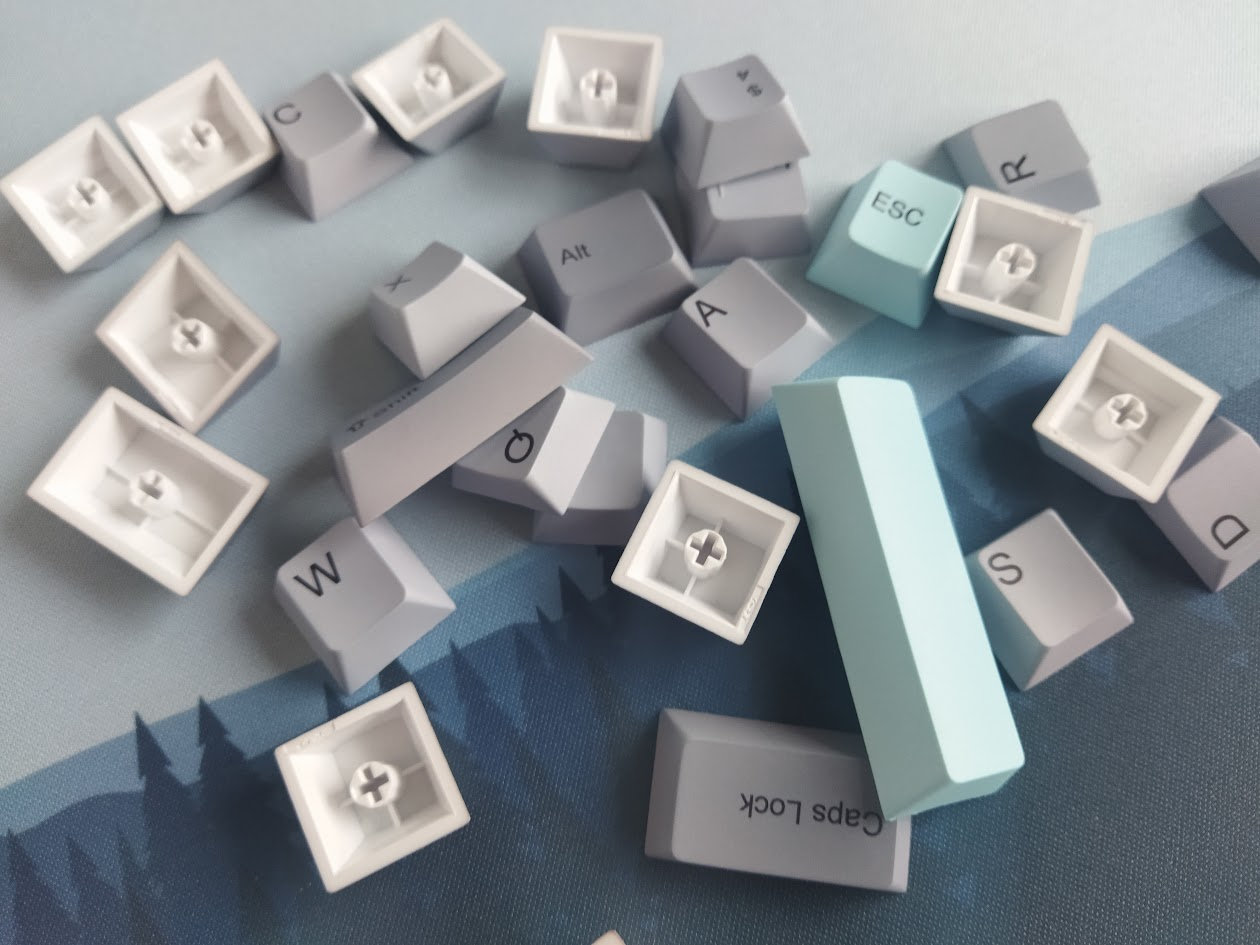
The caps come with MX stems of course, so this layout should be widely supported if you opt for something different – also with regards to keycap compatibility.
Switches
The Outemu Duskrise Hall-effect switches are quite nice, however, be careful if you'd like to remove the switches for some reason. There's a really thin part of the top housing in front of the removable light diffuser, and you can end up catching that especially with the Gateron/Kemove style switch pullers – breaking that part easily.
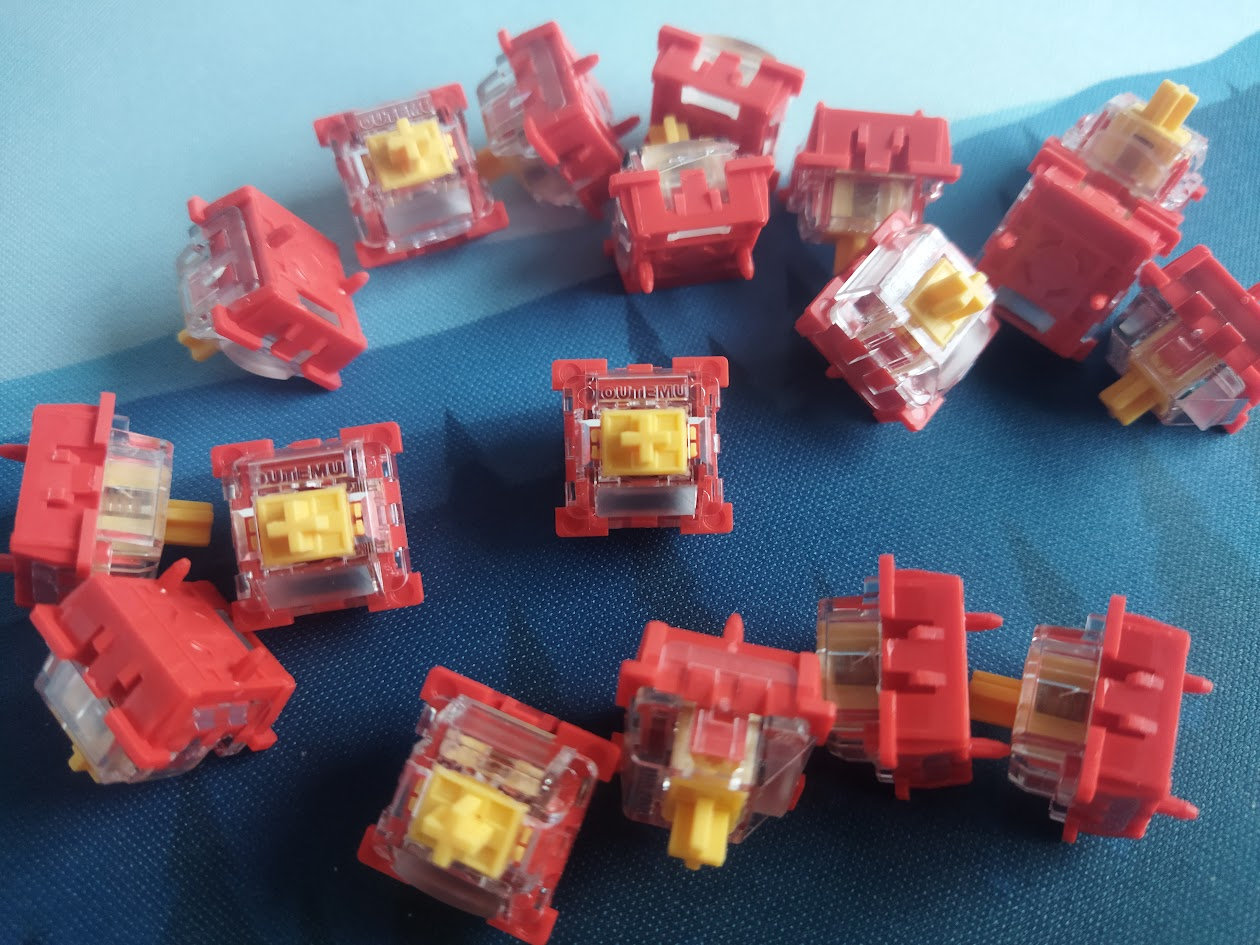
Specs of the Outemu Duskrise magnetic switch:
- Actuation force: from 30 gf (adjustable)
- Pre-travel: 0.1-3.3 mm (adjustable)
- Bottom-out force: 55 gf.
- Total travel: 3.5 / 3.8 mm? (ambiguous data)
- Top material: PC
- Bottom material: PA66
- Stem material: POM
- Initial magnetic flux: 95GS
- Bottom magnetic flux: 580GS
- Factory lubing: yes
- LED diffuser
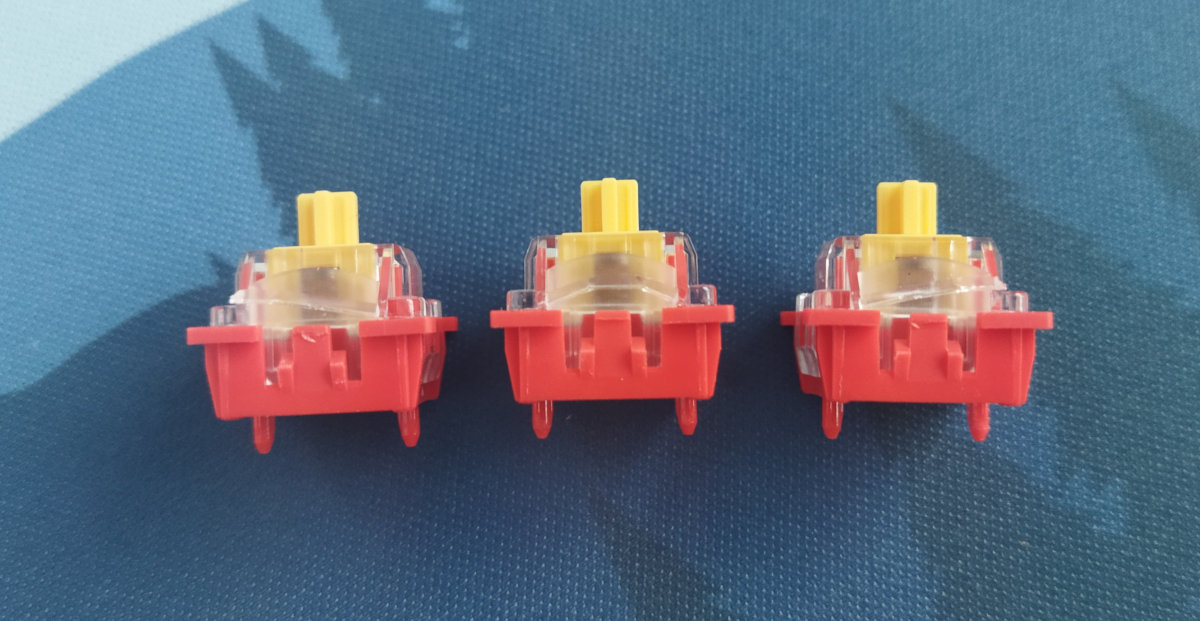
These switches feel decent, but Hall-effect switches and PCBs are inherently hot-swappable anyway, so you're not restricted to the factory setup. Check out the current best-selling magnetic switches, or feel free to use your personal favorites lying around.
Build quality, structure, case
Decent build quality with excellent material choices and finishing. This board feels sturdy, but take care of the acrylic bottom – it looks and feels less heavy duty, understandably.
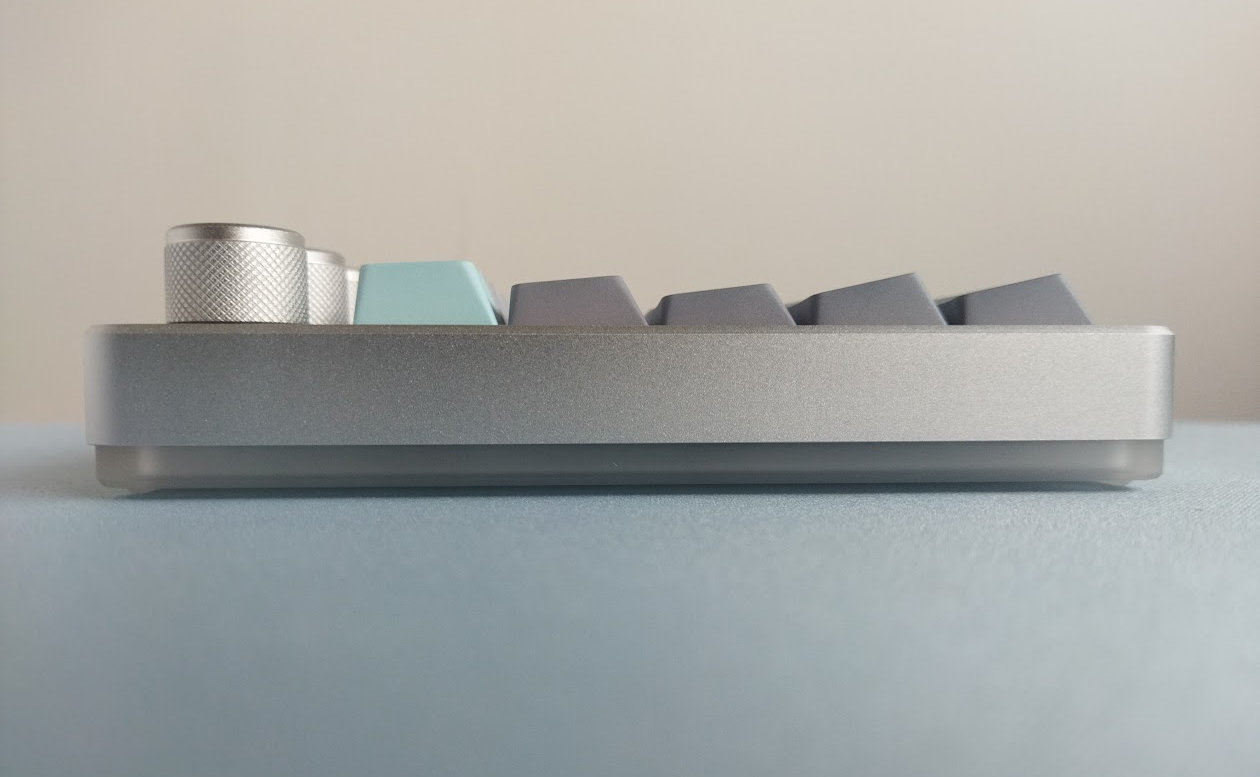
Typing angle: the board is completely flat, the angle is not adjustable.
Disassembly? Yikes, the four switches to open up the case are hidden beneath the bumpons. You have to tear them off, at least partially.
This is not my favorite design choice, but I can't really think of any reason why you would disassemble this board – unless you do keyboard reviews, of course. ;)
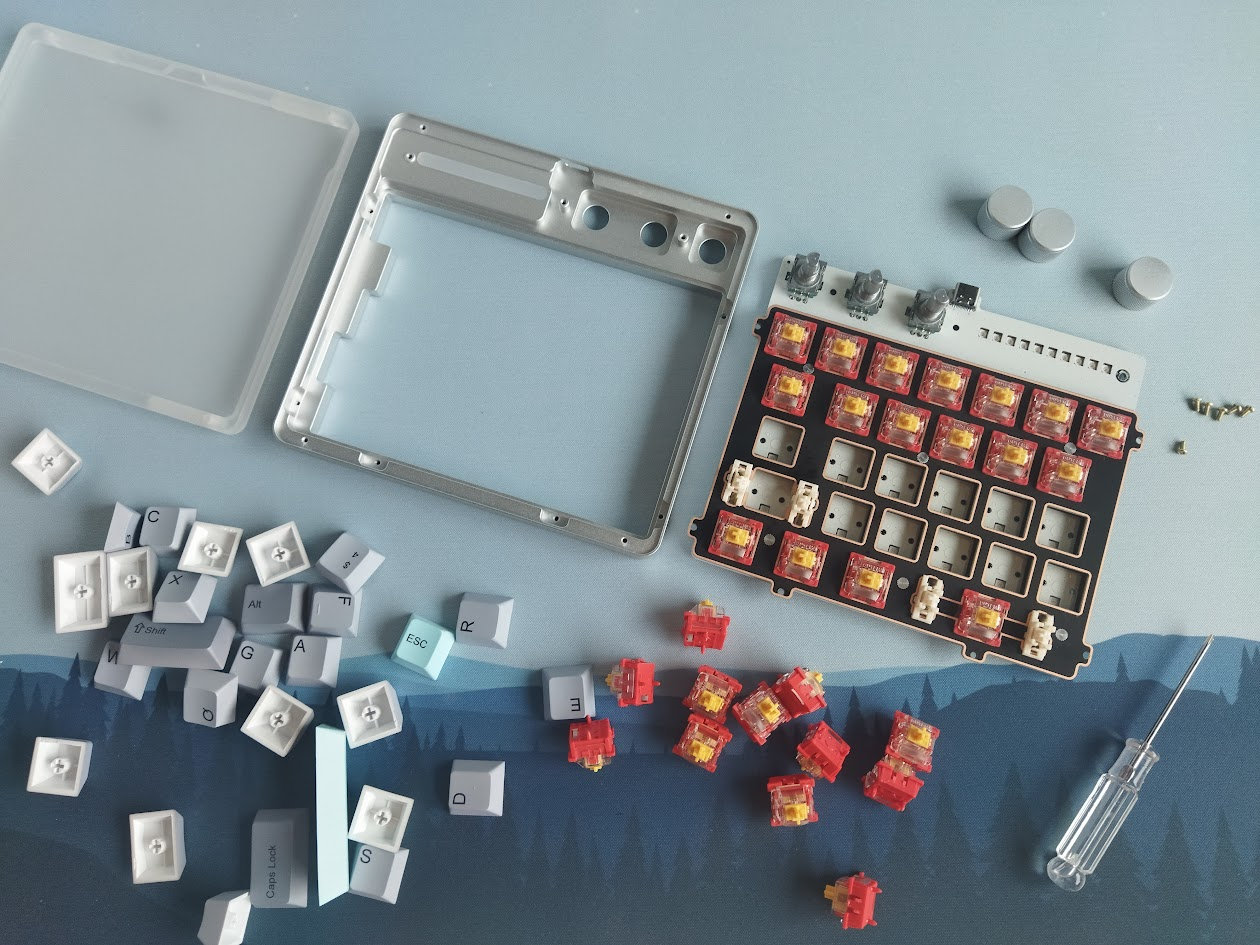
Structure & Mounting
The Cybrix 29 features top mounting, the plate/foam/PCB sandwich is screwed to the top aluminum case by 9 tiny screws. The PCB has six protruding parts for this, but there are even more screws near the encoders.
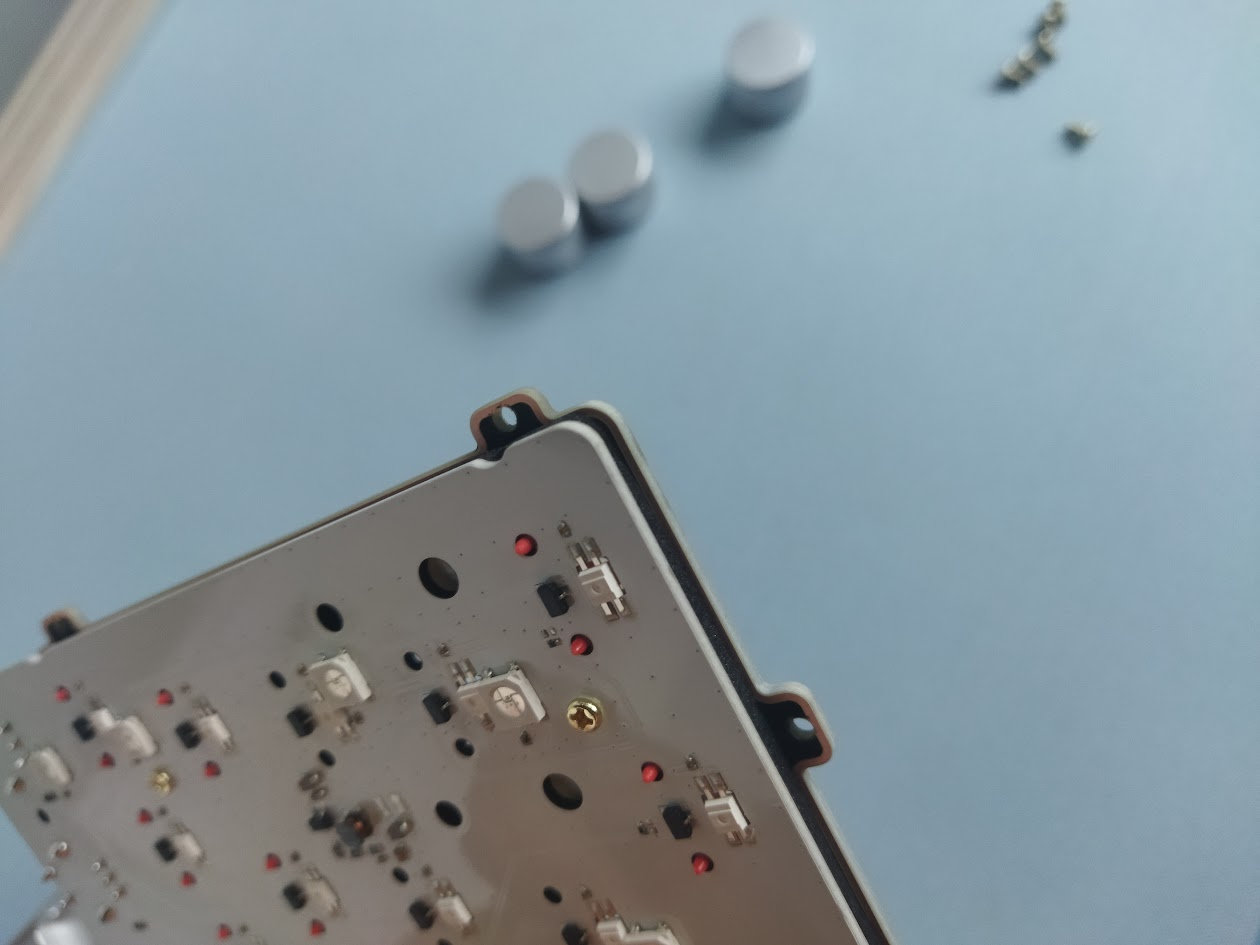
Plate
The plate is matte black FR4 (at least for this colorway), with nice copper parts around the switch cutouts, and it doesn't feature any flex cuts.

Plate-mount stabilizers by default.
PCB
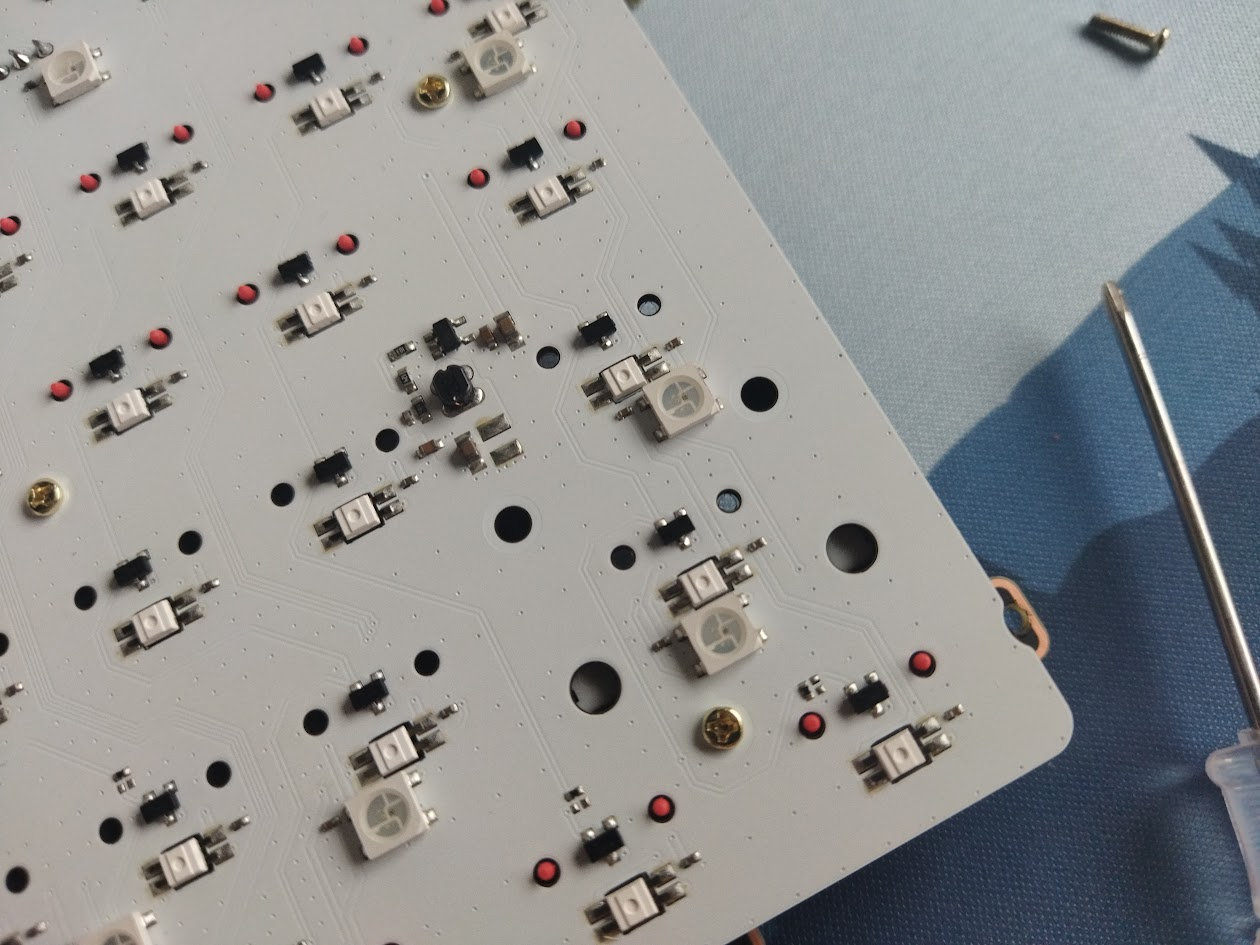
The nice shiny white PCB is part of the thick plate/foam/PCB sandwich, and it comes with south-facing per-key LEDs, Hall-effect sensors of course, and no flex cuts.
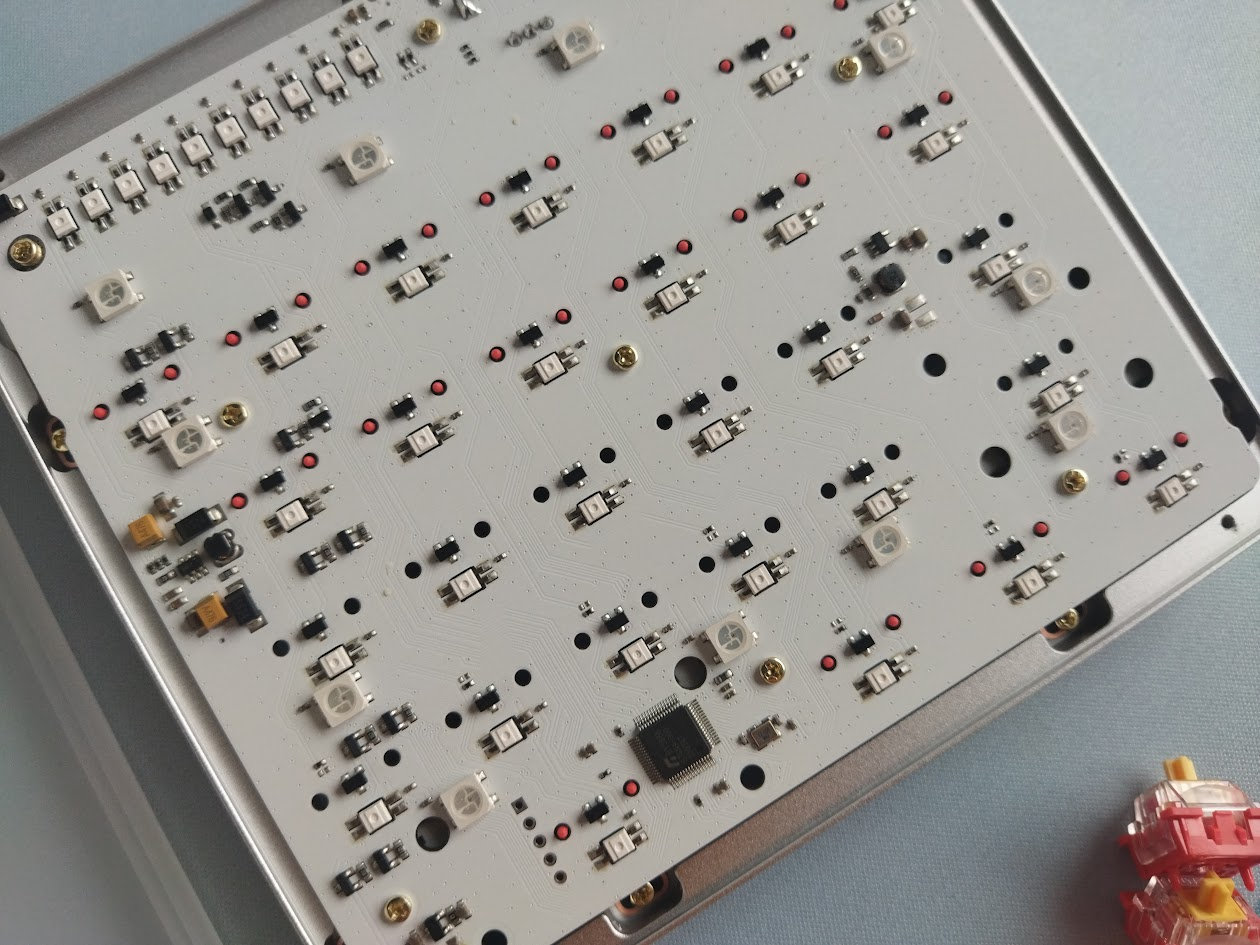
The default stabilizers, as already mentioned, are plate mounted, but the PCB has the necessary holes for screw-in stabs as well.
Encoder knobs
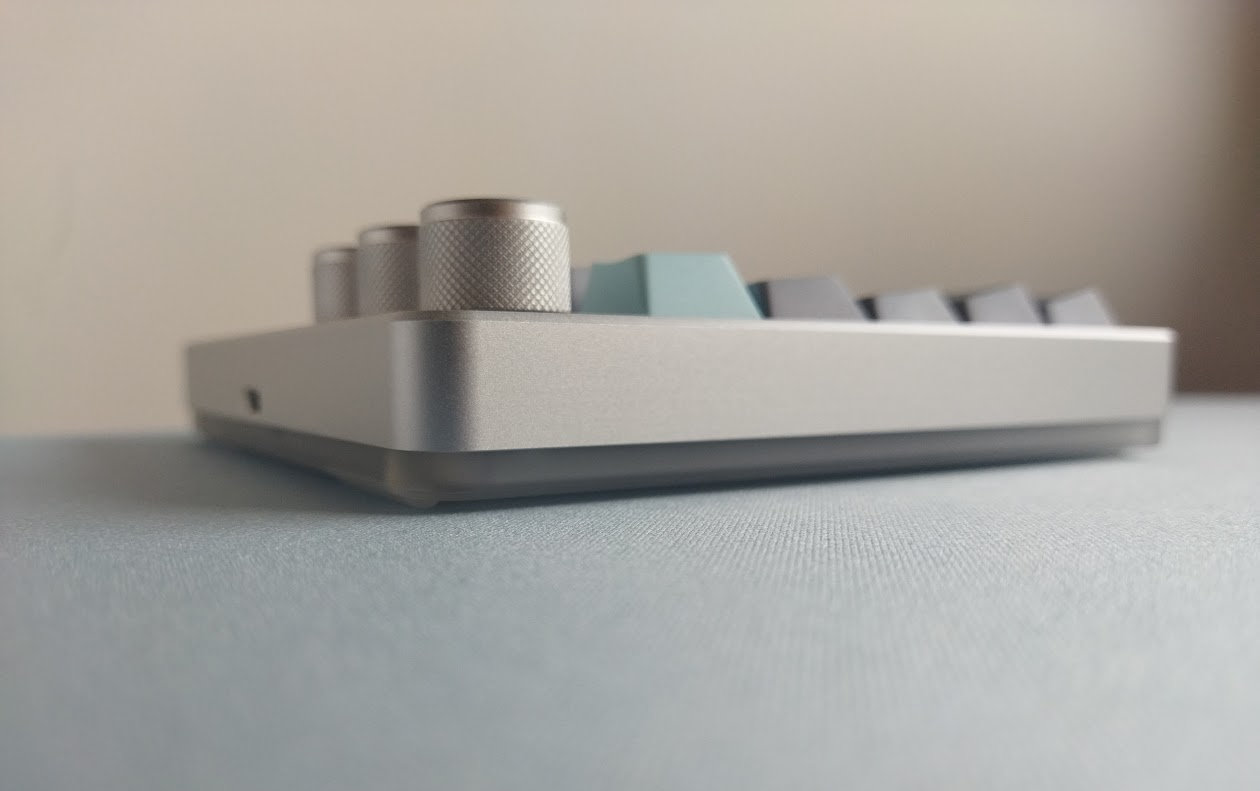
Not one, not two, but three rotary encoders – of the same size, unlike those of the Cybrix 16 featuring a larger one.

The knobs feel aluminum, with a plastic inner core.
Bottom weight
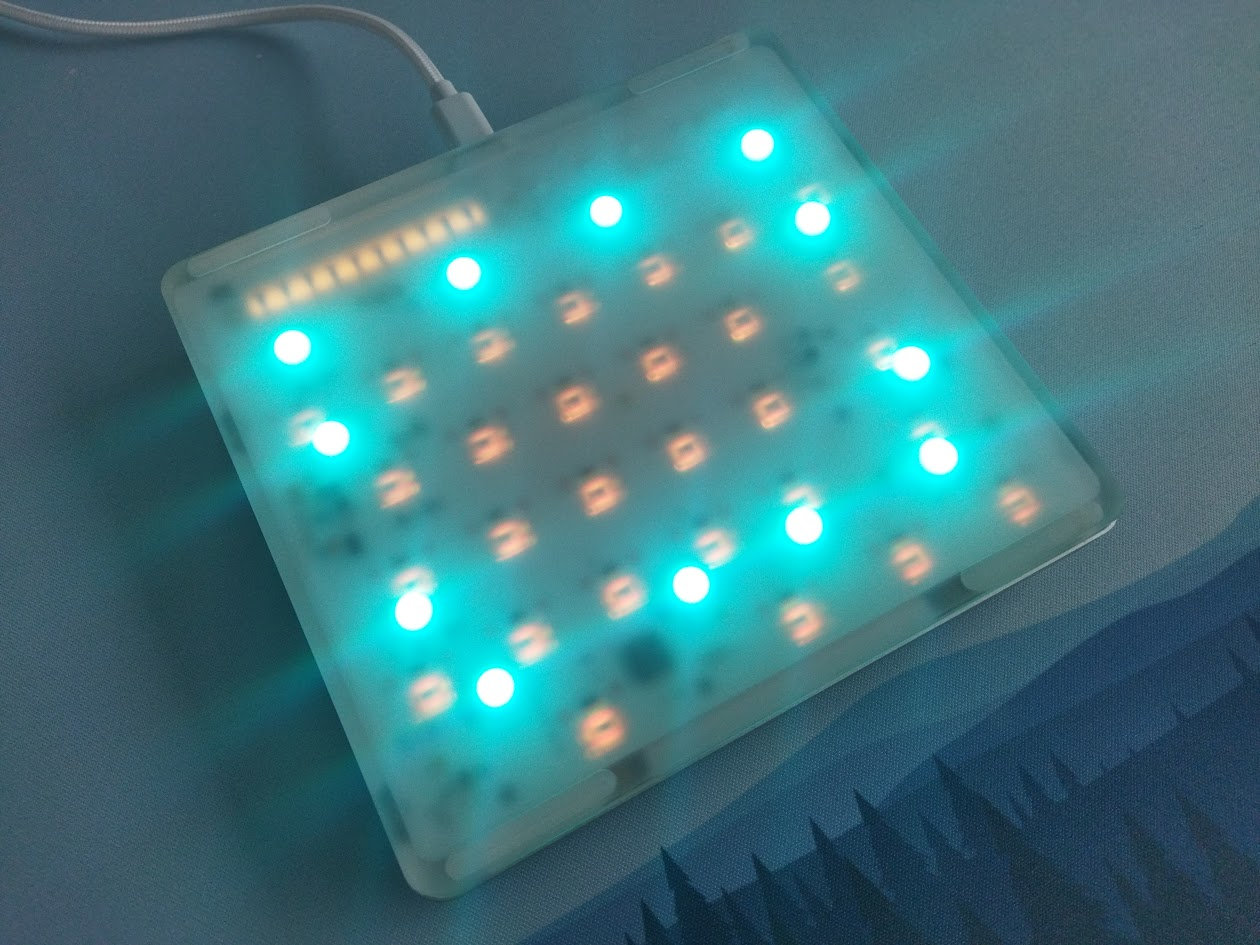
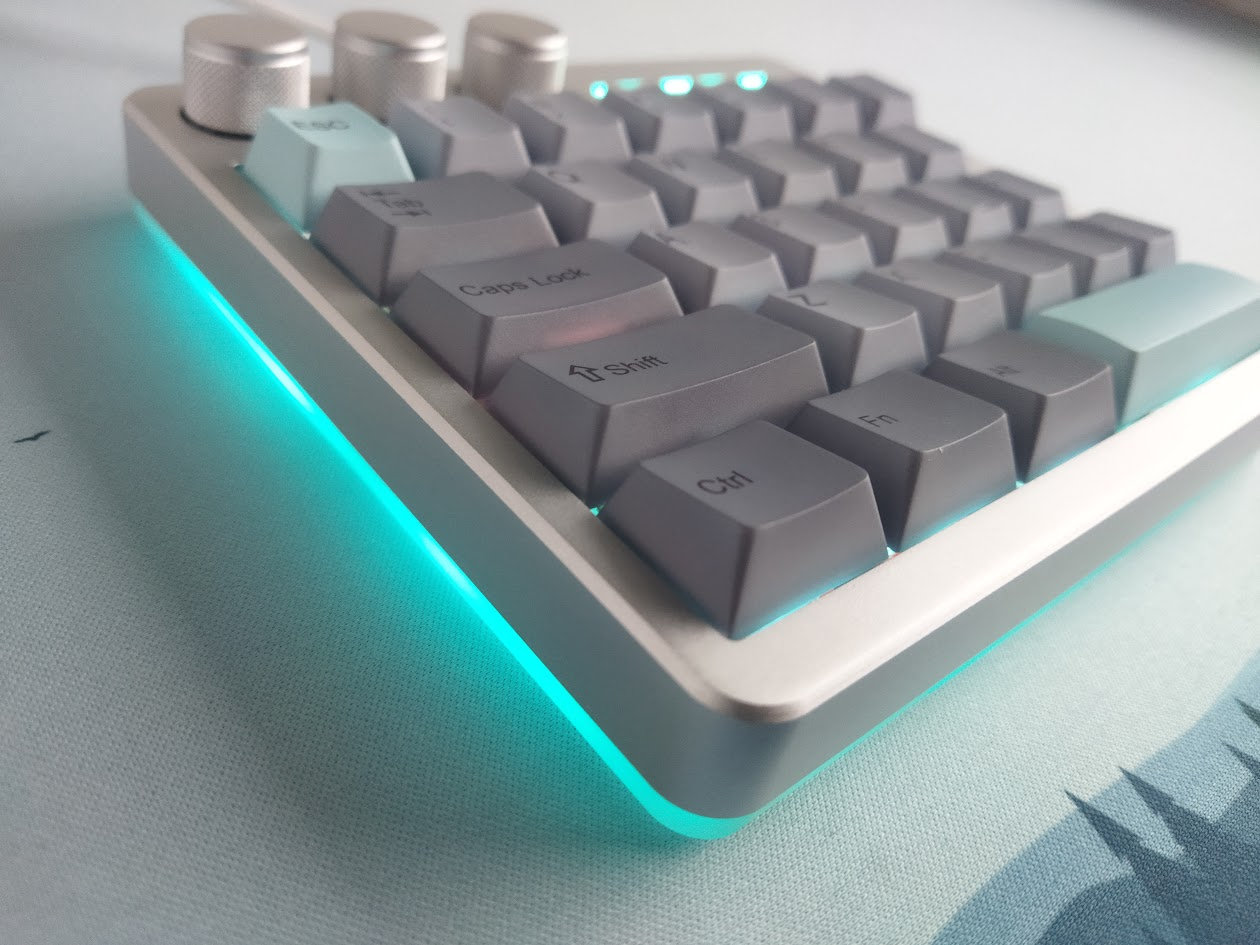
No fancy decoration weight, but the nice frosted acrylic bottom does have a function actually. It diffuses the light of the underglow LEDs pretty nicely.
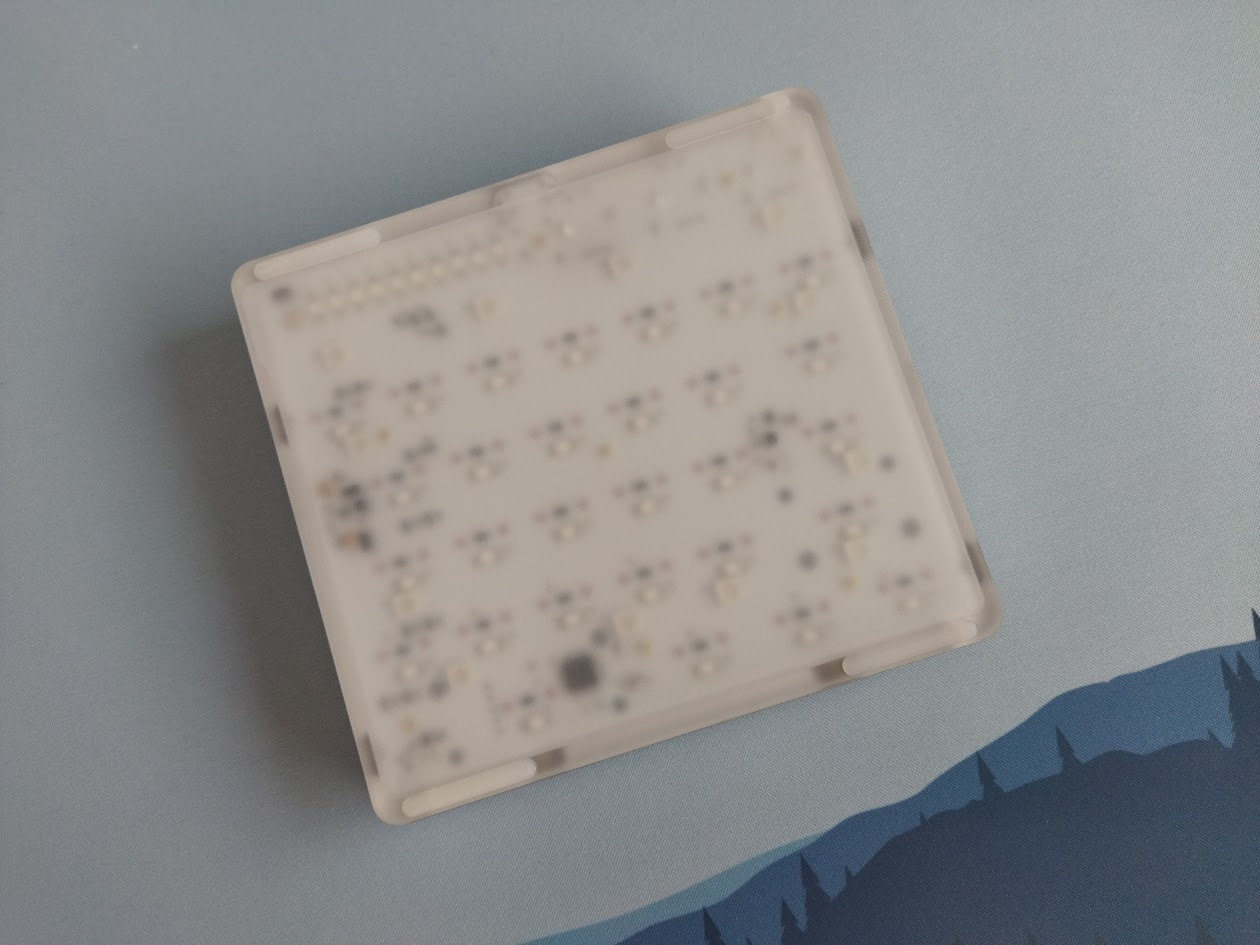
The board is still heavy enough without an extra weight: about 420 g to be precise. Four bumpons ensure that it won't move anywhere while gaming. And it's completely flat, there are no adjustable legs that could collapse.
Sound dampening & Feel
Thick PORON plate foam plus thin transparent switch pad. The Cybrix 29 provides a decent though very direct typing feel. And this is exactly what a gaming peripheral has to offer I guess.

RGB lights
- Per-key RGB with 20 effects
- Decoration lightbar in the top-right corner
- "Sidelight" - full-bottom underglow with 5 modes
All three lights are independently adjustable (effect, color, brightness), but you can turn them on/off at once as well (Fn+A). Alternatively, pressing the leftmost knob does the same in the default keymap.
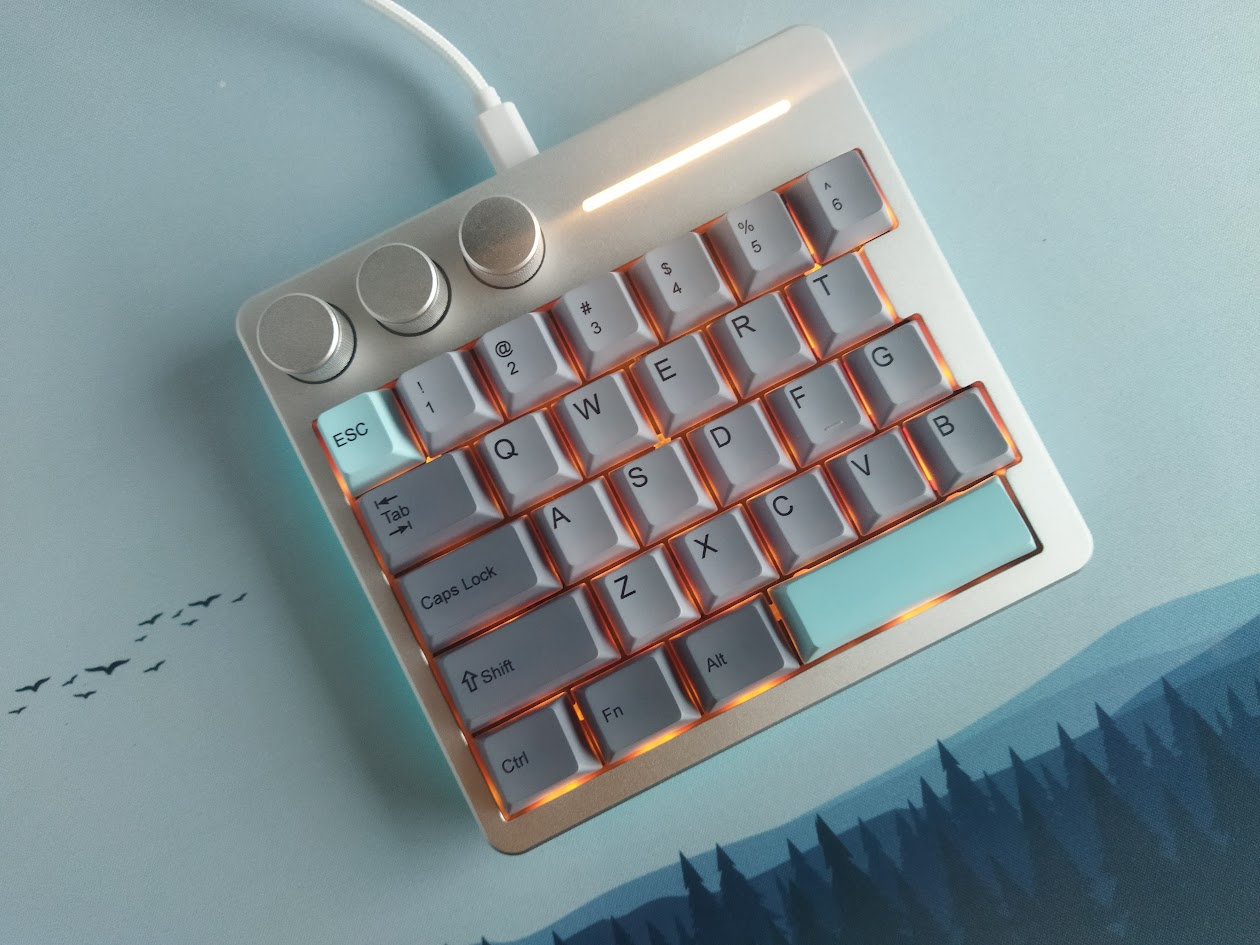
All in all, from subtle ambient glow to vibrant full-spectrum animations, you can fine-tune colors, brightness, and modes to match your mood and setup.
The guide contains all the hotkeys, and that's useful because I had a hard time to find the appropriate functions in the software. You can set the per-key light and decoration strip, but I haven't found the underglow options. And there seems to be a mismatch in the naming too, at least in the English version.
Wireless
The Cybrix 29 is a wired keyboard, no wireless modes available.
Software
Hm. There are some KiiBOOM keyboards coming with QMK/VIA support – actually, all of their boards I've reviewed thus far: Jade75, Moonshadow V2, LOOP65, Phantom81 Lite –, however, the Cybrix 29 is a different breed.
Many keyboard enthusiasts aren't really fond of proprietary software, and the Cybrix 29 comes exactly with that. You have to download a confusingly huge file actually: 95MB zipped. Even if you're comfortable with installing unknown software, closed-source solutions always come with the risk of going offline or discontinued – potentially rendering your keyboard non-programmable.
Anyway, upon launching the configurator, you are welcomed by a Chinese interface, so it's useful to know how people write "Chinese" in Chinese. Luckily, there's an English option in the drop-down list. (See the screenshot below for the exact location, next to the top left logo.)
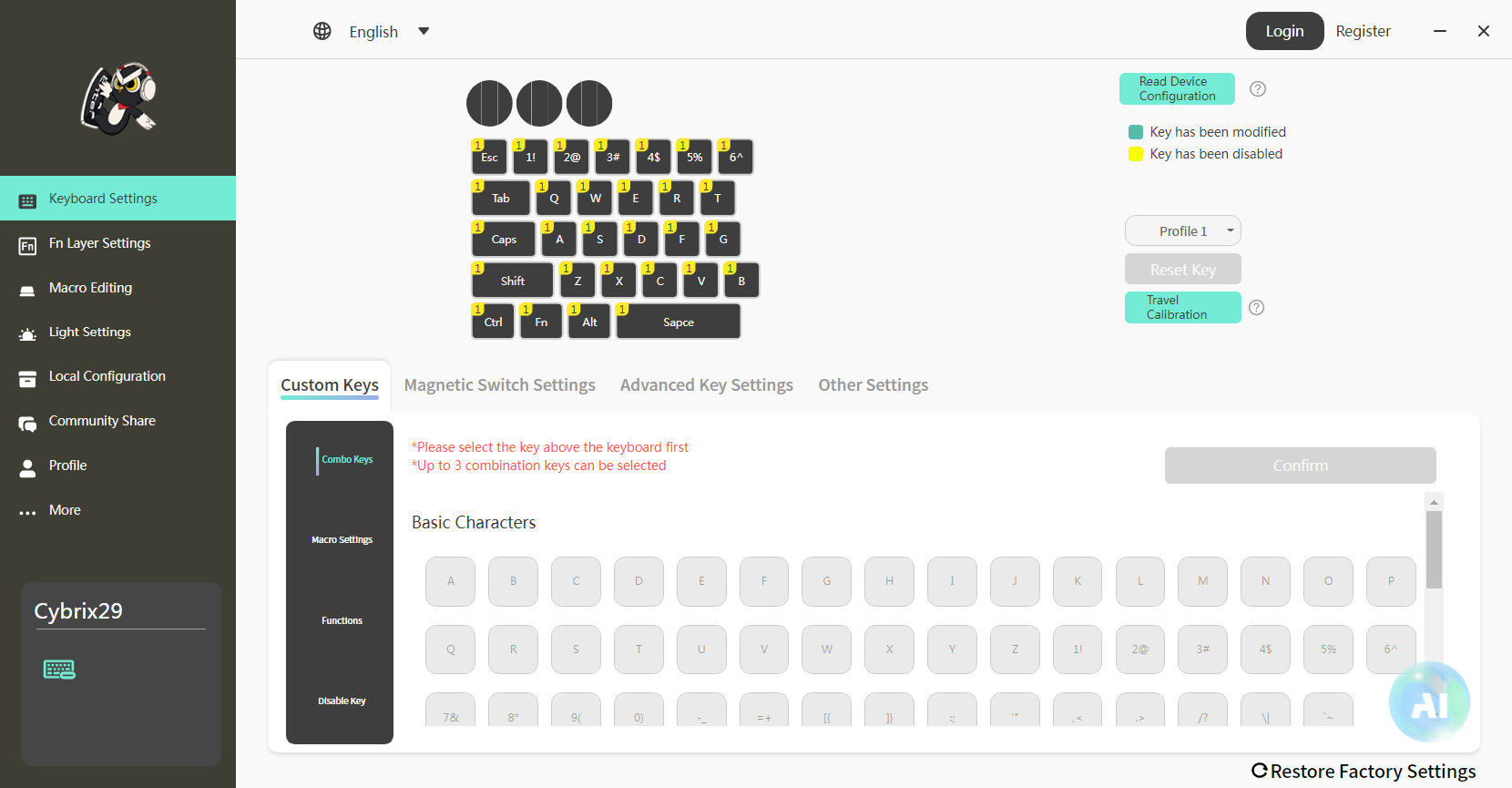
There are better approaches out there, but swapping letters or symbols works as expected. I haven't done my usual software test as there's no reason to replicate my full keymap for a half-keyboard – nobody will type texts on this one.
That said, no sign of SpaceFN functionality. I'm pretty sure that this easy-to-access extra layer could come in handy for gamers as well.

Gamer features
The Cybrix 29 boasts an 8000Hz polling rate (default setting), transmitting inputs 8x faster than standard 1000Hz keyboards. Near-zero lag for lightning-fast reactions in FPS or MOBA battles. Paired with Hall-effect magnetic switches, it offers adjustable actuation points down to 0.01mm accuracy – "customize trigger sensitivity per key for shallow taps in rapid-fire scenarios or deeper presses for deliberate controls".
Snap Key (SOCD) & Dynamic Keystroke (DKS): By prioritizing your most recent opposing key presses, SOCD guarantees timely execution of your movements in games, eliminating the issue of character freezing. And utilizing DKS, you can program a single key to function with up to four actions based on how it’s activated or released, or enable two functions for either tapping or holding, for complex maneuvers like crouch-jumping or weapon-switching macros on a single key.
Compatibility
The board is said to be Win/Mac compatible.
Portability
The Cybrix 29 is a great keyboard not just for stationary gaming needs, but it should fit every backpack with its half-60% dimensions if you'd like to carry it around.

Conclusion
The 30%-ish wired KiiBOOM Cybrix 29 is a nice and compact Hall-effect gamer half-keyboard built from quality matierials: CNC aluminum and frosted acrylic bottom. It comes with features like the magnetic switches and associated functions to fine-tune your gaming experience, three encoder knobs, and cool lights. Proprietary configurators are not my cup of tea in general, but this is still a solid peripheral for gamers.
Pros
- sturdy construction with quality materials
- versatile colorways
- fancy layout with three knobs
Cons
- proprietary software
Price & Availability
As of writing this, the KiiBOOM Cybrix 29 is available at kiiboom.com for $90. The KBDNEWS coupon code (5% off) is in effect too, so you can grab this device for $85.50 now.
- KiiBOOM Cybrix 29 product page
- Cybrix 29 driver (95MB)
- Cybrix 29 manual
Published on Wed 17th Dec 2025. Featured in KBD #204.
Related

Chicony KB-5160AT review
Chicony KB-5160AT review (Cherry MX White) by Chyrosran22 (video).
Kailh Box Mute Jade switch review
Kailh Box Mute Jade switches reviewed by u/ThereminGoat and others.
Gateron CJ switch
New Gateron CJ linear switches, featuring the first POM based bottom housings ever released from Gateron. Reviewed by ThereminGoat.
1976 Videoton VT-340 keyboard
This beefy keyboard was part of the Videoton VT-340 display terminal, manufactured from 1972. Check out this picture-heavy disassembly post full of surprises.